Configuring Messages and Behavior
Customize welcome messages, suggested questions, and the behavior of your AI Sales Agent.
Updated:
Customize the texts and behavior of your AI Sales Agent to optimize the customer experience.
Messages and Handoff#
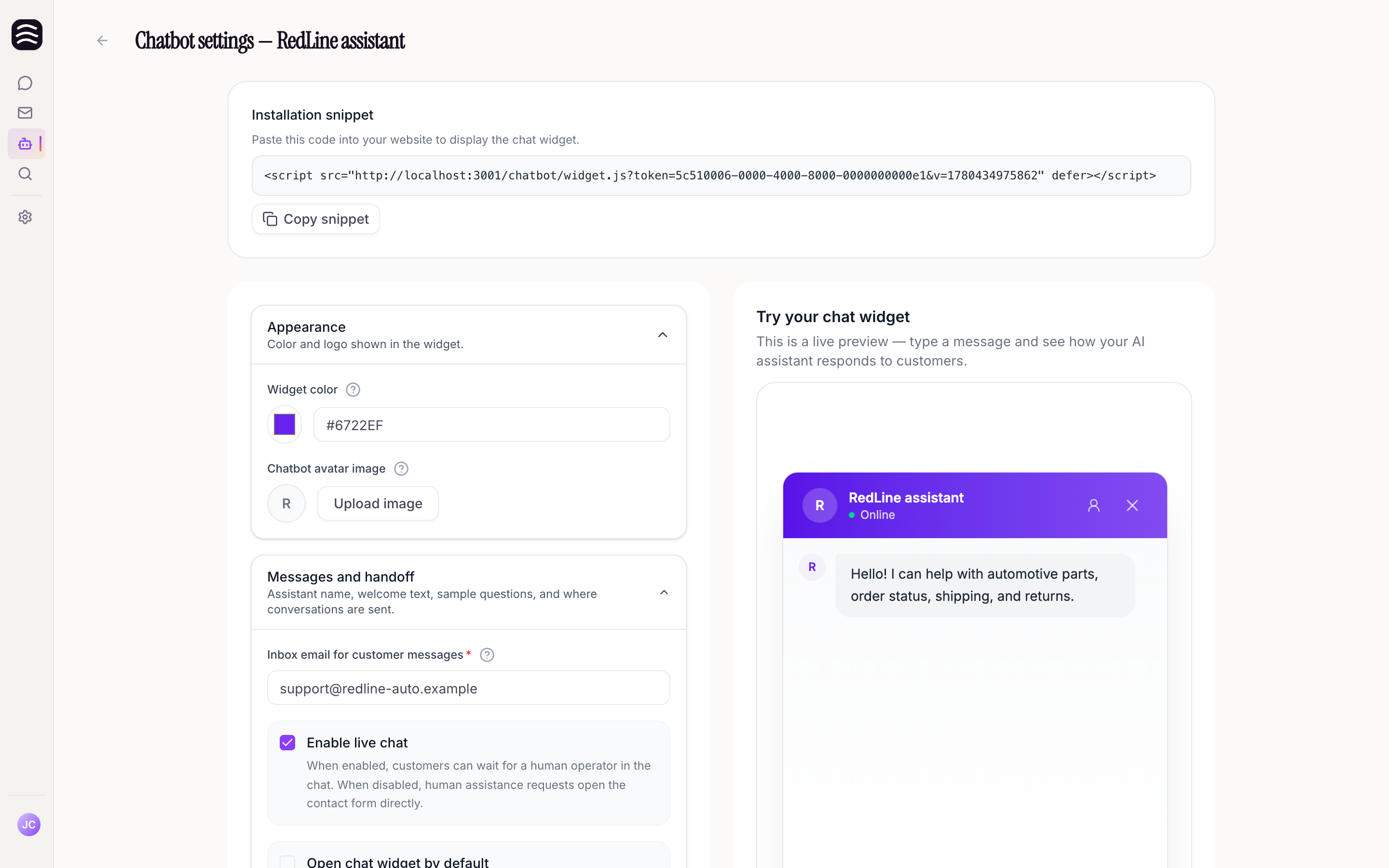
Navigate to AI Sales Agent, select an agent, and open Conversation or Support features:
- Welcome message: The first message automatically sent by the AI Sales Agent when a customer opens the conversation.
- Example questions: Short suggested questions shown to customers when they haven’t interacted yet. You can add multiple questions. Leave this empty to use the defaults.
- Example question speed: Control how quickly example questions are shown.
- Thinking messages: Rotating status lines shown while the assistant is searching or generating a response. You can add multiple variations. Leave empty to use the defaults.
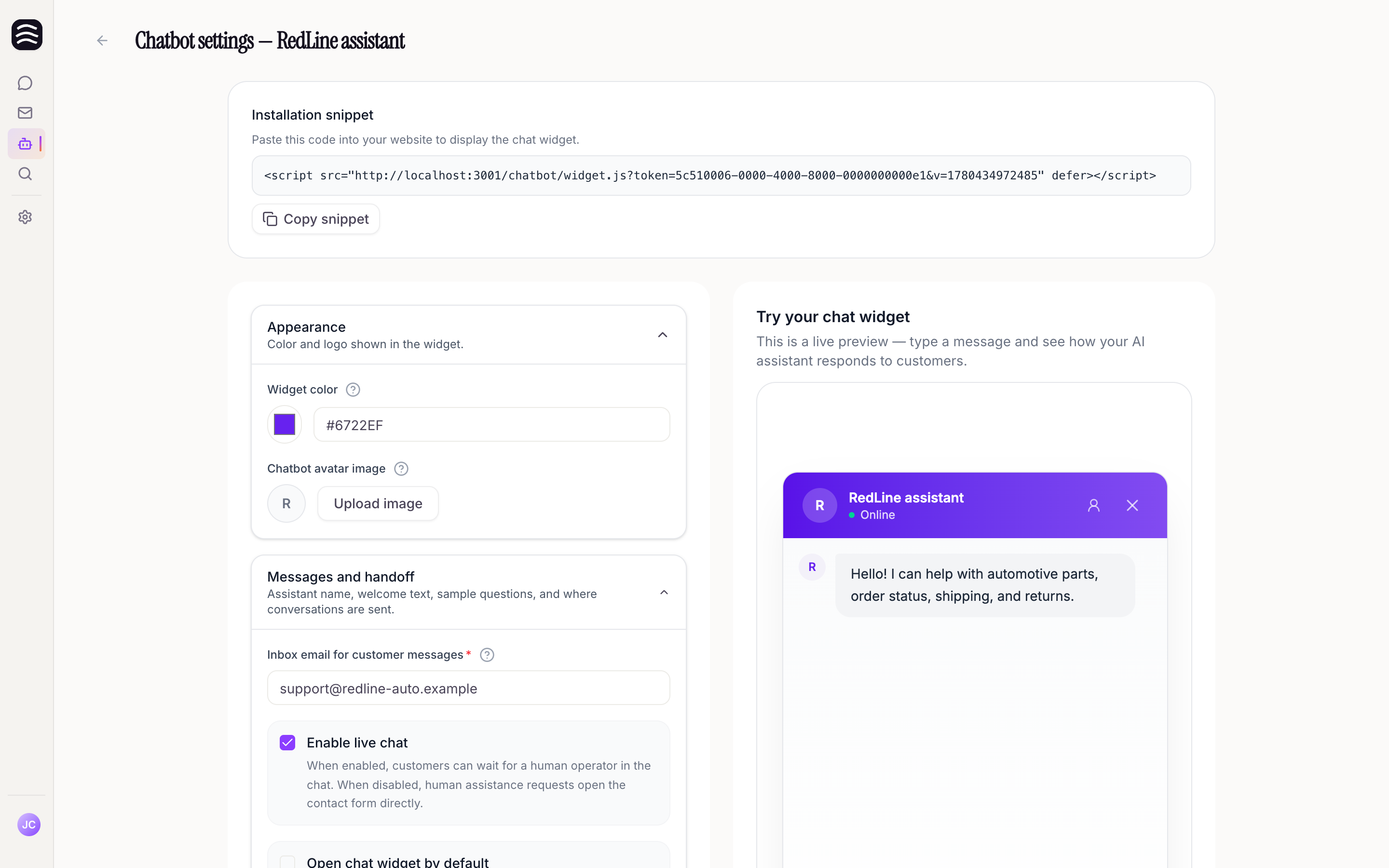
- Inbox email for customer messages (Handoff email): When a customer asks to reach a human, their message will be sent to this email address. This field is required.
Support Features#
- Allow customers to contact support from the chat: On by default. Turn this off for an AI-only advisor: the assistant keeps answering, but it cannot hand the conversation to a person, open live chat, or submit the contact form, and it will not tell the shopper that someone was notified. You can still add a public email and a contact page; the assistant may share those, and only those, when a shopper asks how to reach you. The contact-form button and live chat switches below are ignored while this is off, and they come back as you left them when you turn it on again. Turning it off only stops new handoffs: a live chat an operator has already taken over continues, and a contact request a shopper has already sent still reaches you by email.
- Enable live chat: When enabled, customers can wait for a human operator. When disabled, requests for human assistance open a contact form that sends an email to your handoff address.
- Live chat availability: Shown while live chat is on. Choose Always online, By opening hours or Offline. With opening hours, set one or more time ranges for each weekday (a day without ranges is closed) and add exceptions for holidays or other dates; an exception replaces that day’s regular hours. Times are in Central European time (Europe/Prague). While nobody is online, the AI Sales Agent says so, gives your hours and when your team will reply, and asks the customer to leave their email and question in the contact form instead of waiting for an operator. You are notified as usual, and the handoff email notes that it was sent while live chat was offline. Switching to another mode keeps your saved hours.
- Enable verified order lookup: Allow the AI Sales Agent to look up order information. The customer first verifies their email address with a six-digit code.
- Open by default: The AI Sales Agent expands when a visitor first lands on the page. This is mutually exclusive with a center launcher position.