Requesting a Custom Integration
Find out how to request a connection between Yasan and a platform or system we don't natively support yet.
Updated:
If you’re using an e-commerce platform or internal tools that Yasan can’t connect to out of the box, we’d be happy to build a custom integration for you.
How to request an integration#
Open Integrations
In the left sidebar of the Yasan app, go to Settings > Integrations.
Select Custom
Click the Connect integration button and choose the Custom option.
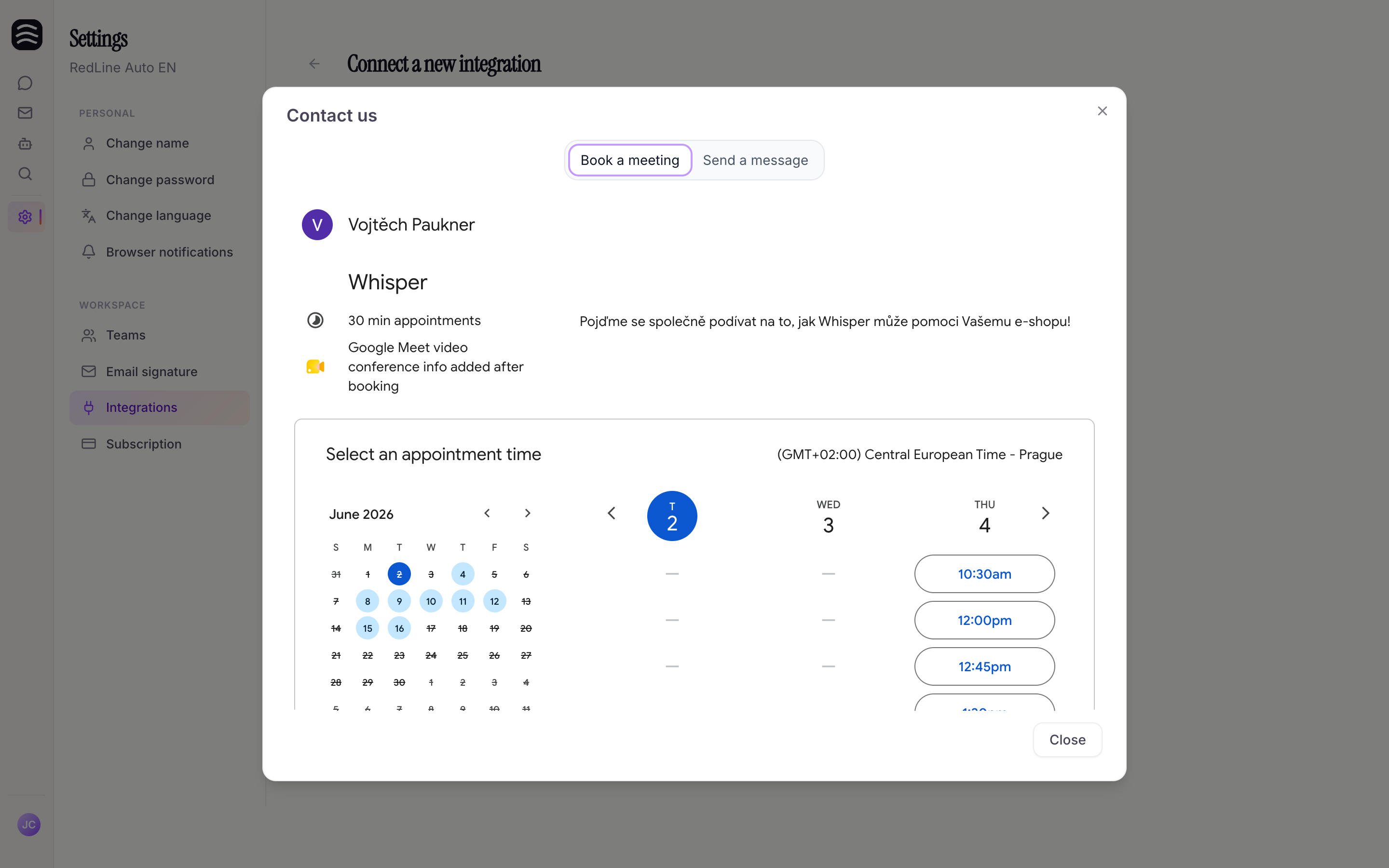
The contact window opens
A form will appear for you to send a message to our team.
Give us the details
In your message, please describe:
- The name of the platform or software you need to connect.
- What data Yasan needs access to (e.g., product catalog, order statuses, specific data from your CRM).
- If you have links to API documentation, be sure to include them.
Our team will review your request and get back to you as soon as possible with potential solutions and a timeline.