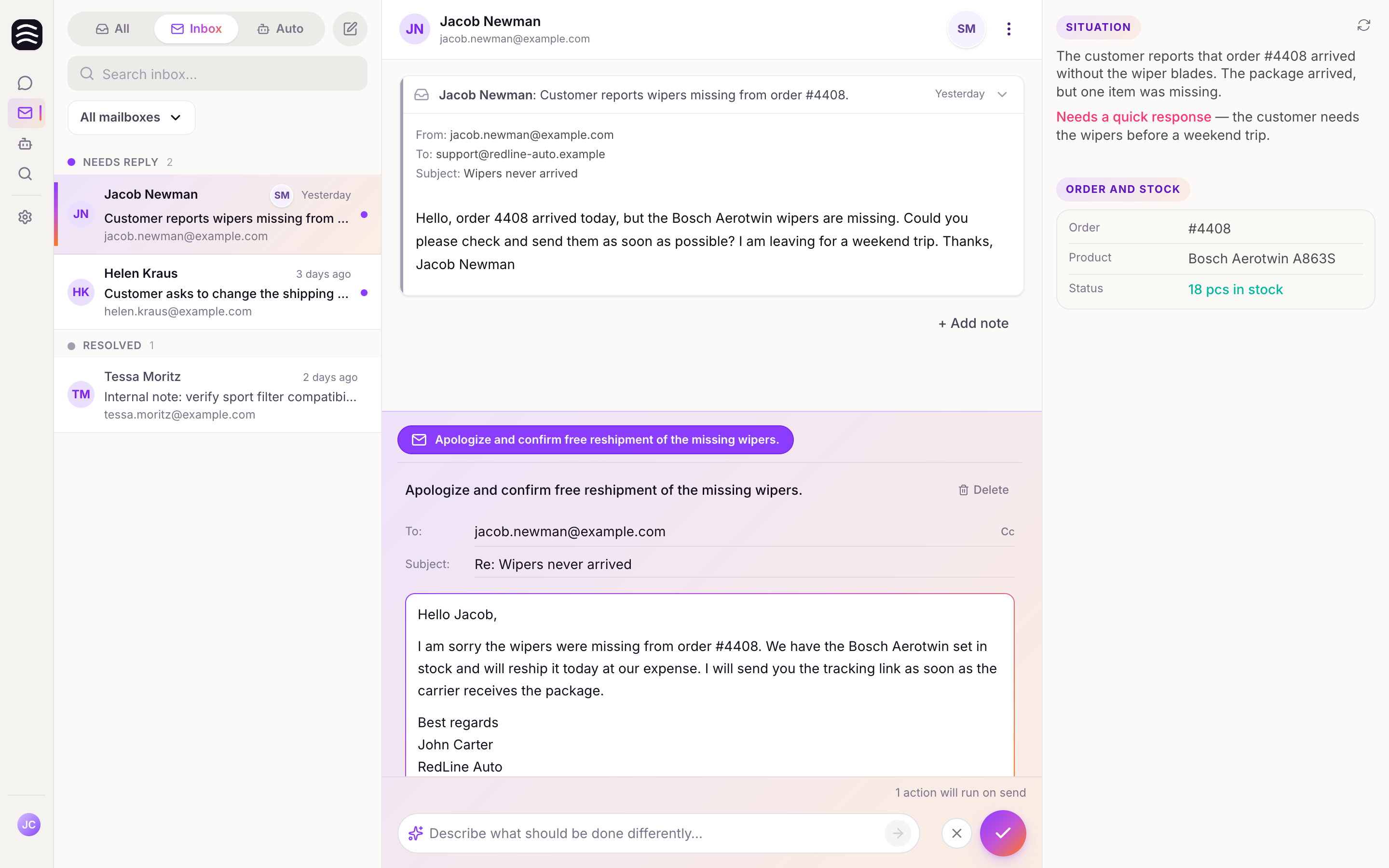
Thread Locking and Presence
How Yasan prevents duplicate work and collisions when multiple operators are working in the same inbox.
Updated:
When multiple operators are working in the same inbox, Yasan provides tools to prevent duplicate work and collisions.
Thread Locking#
When an operator actively opens an email thread to review suggestions or compose a reply, Yasan automatically locks that thread.
- Lock Indicator: If you try to open a locked thread or take an action on it, you will see a message: “This thread is currently locked by [Name].”
- Admin Override: In specific situations, administrators can toggle an “Admin lock” or view the thread in “Admin view” mode.
Presence Indicators#
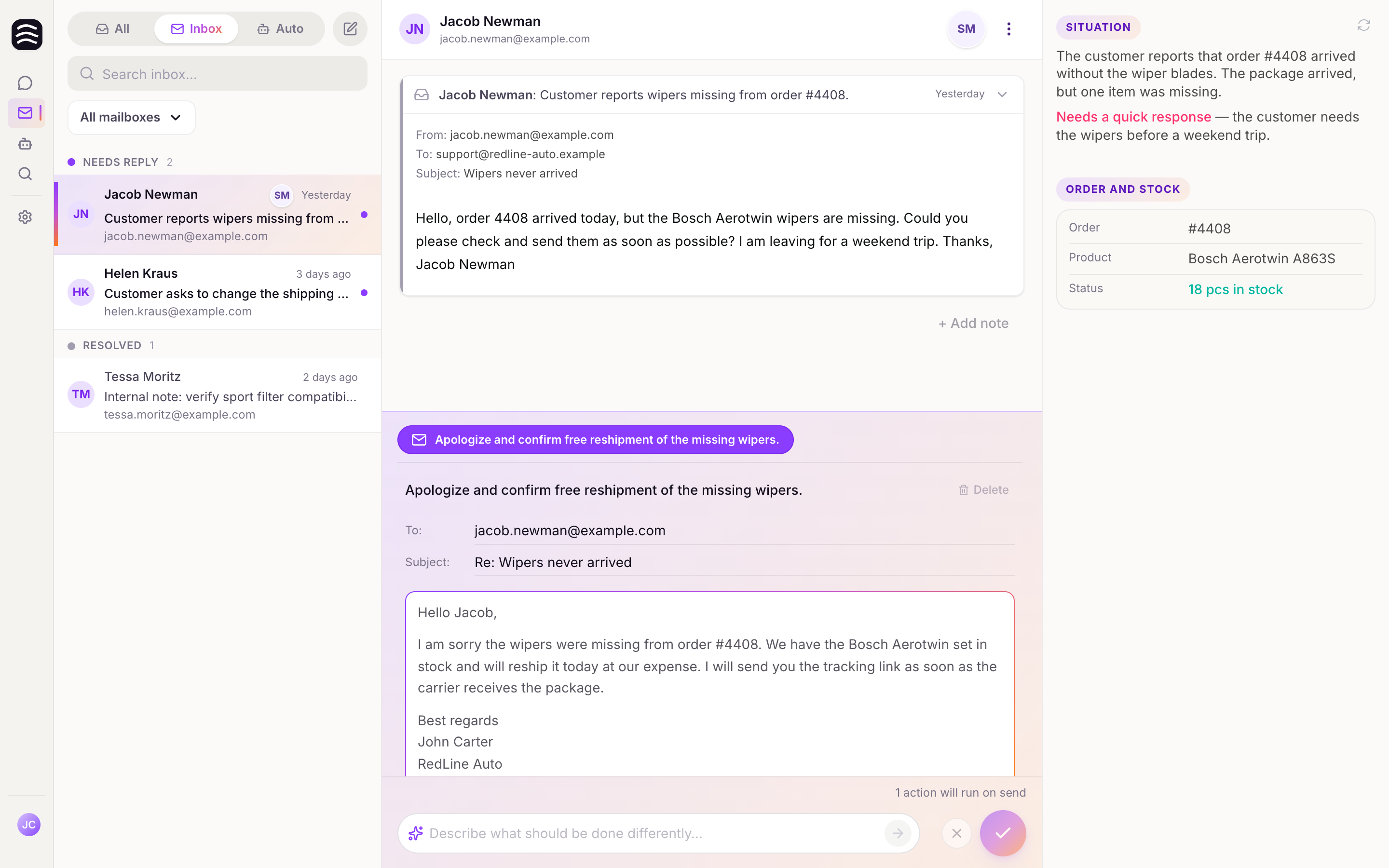
To help you see who is working on what, Yasan offers presence indicators:
- In the thread list, you will see small avatars indicating if other team members are currently viewing a thread.
- Inside a thread, you can see a “Recently viewed by” list.