
Enabling and Disabling the AI Sales Agent
How to quickly toggle your AI Sales Agent on or off directly from the dashboard.
Updated:
You can quickly turn your AI Sales Agent on or off directly from the dashboard.
How to Toggle the Bot#
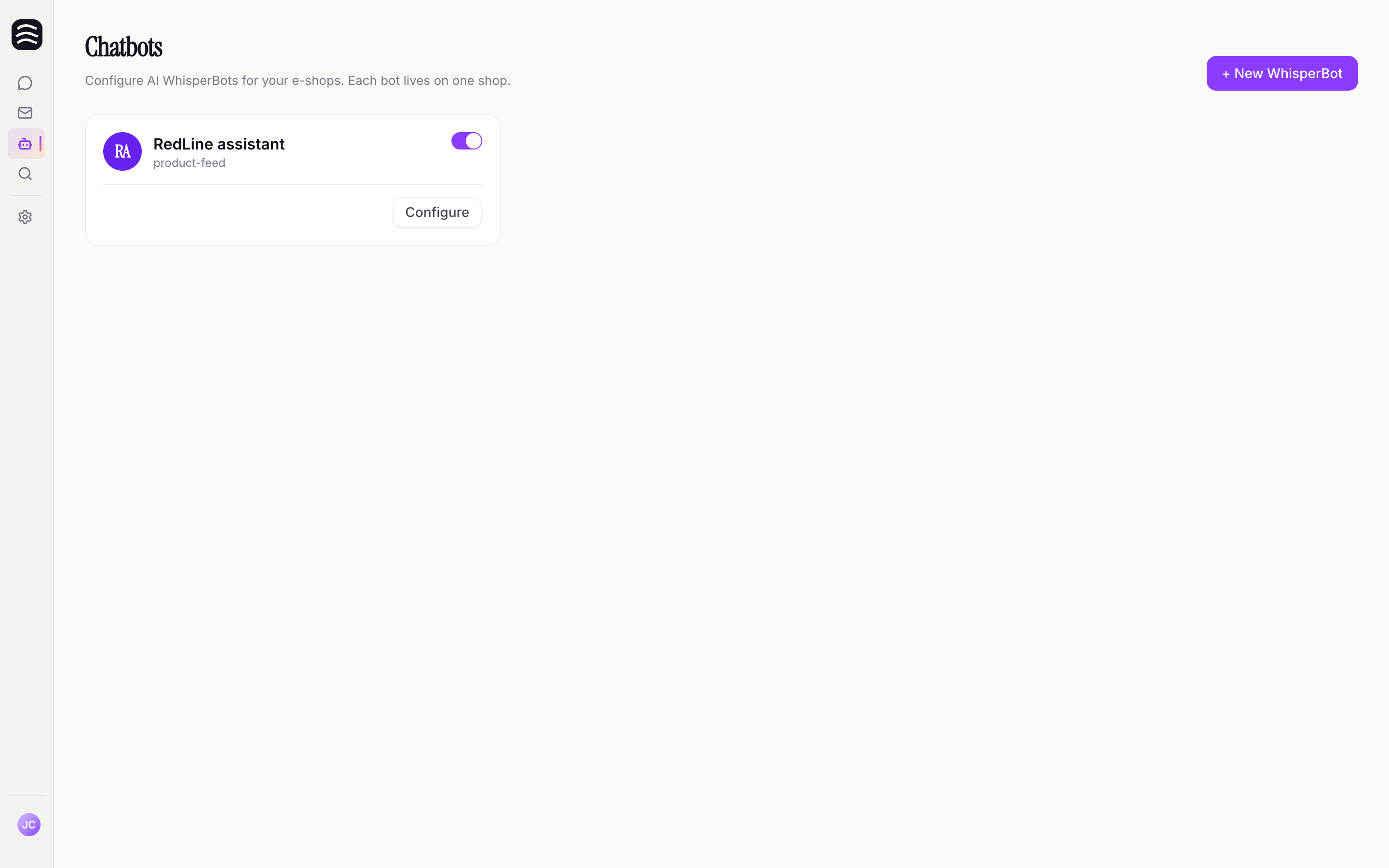
Open AI Sales Agents page
Navigate to the AI Sales Agents page in the sidebar.
Find your bot
You will see a list of your connected bots.
Toggle the switch
Use the toggle switch next to a bot to enable or disable it.
Alternatively, you can open the specific bot’s settings and click the Enable or Disable button at the top of the page.
What Happens When Disabled?#
- Addon-managed bots (e.g., Shoptet addon): Disabling the bot tells the platform to stop rendering AI Sales Agent on your store.
- Shopify App Store: Disabling the agent in Yasan hides the chat. The Widgets embed in the theme can stay on. To stop loading the script, open the Theme Editor, switch Widgets off, and save.
- Manually installed snippets: If you disable the bot, AI Sales Agent will stop appearing on your website, even if the snippet code is still in your HTML.